Conclusions
At first I was hesistent to work in a team, I've never been great at communicating. It was very smooth though and the team was excellent, everyone contributed to the project and everyone played an important part. I feel like I learned a lot from the experience, working in a team, iterative design, how to approach design issues and rapid prototyping. It was a valuable project and I'm glad that it all worked out well.
Do you have any feedback? Please let me know using this form.
Before printing our (hopefully) final version, we were told to add pegs to the design to allow for easier picking up of pieces. While we had the holes, the client was looking for something that was easy to grab hold of. We decided to keep the holes though because we liked how they looked and they reduced weight. A quick iteration adding some upside down cones with a slightly beveled edge was made.
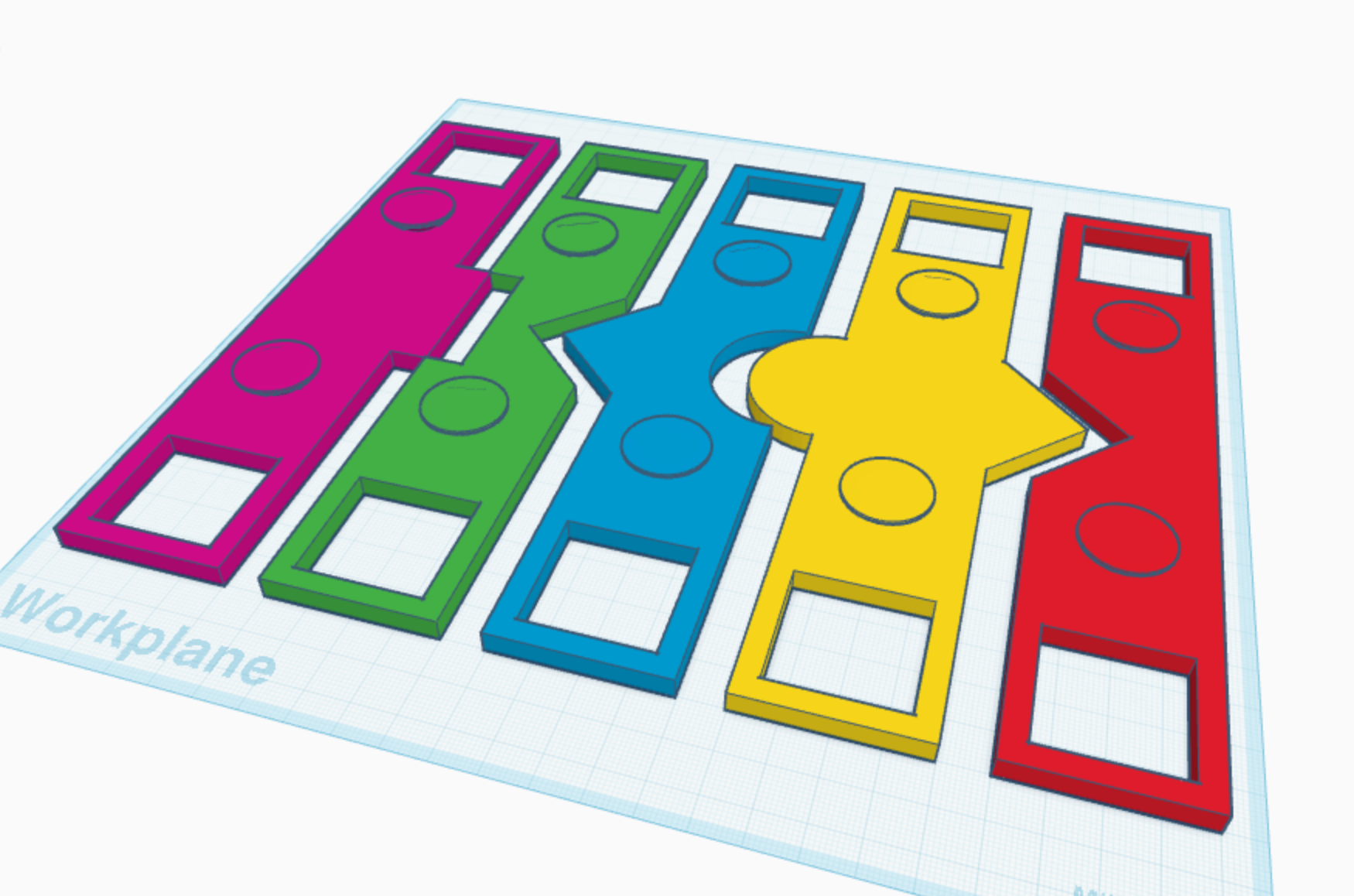
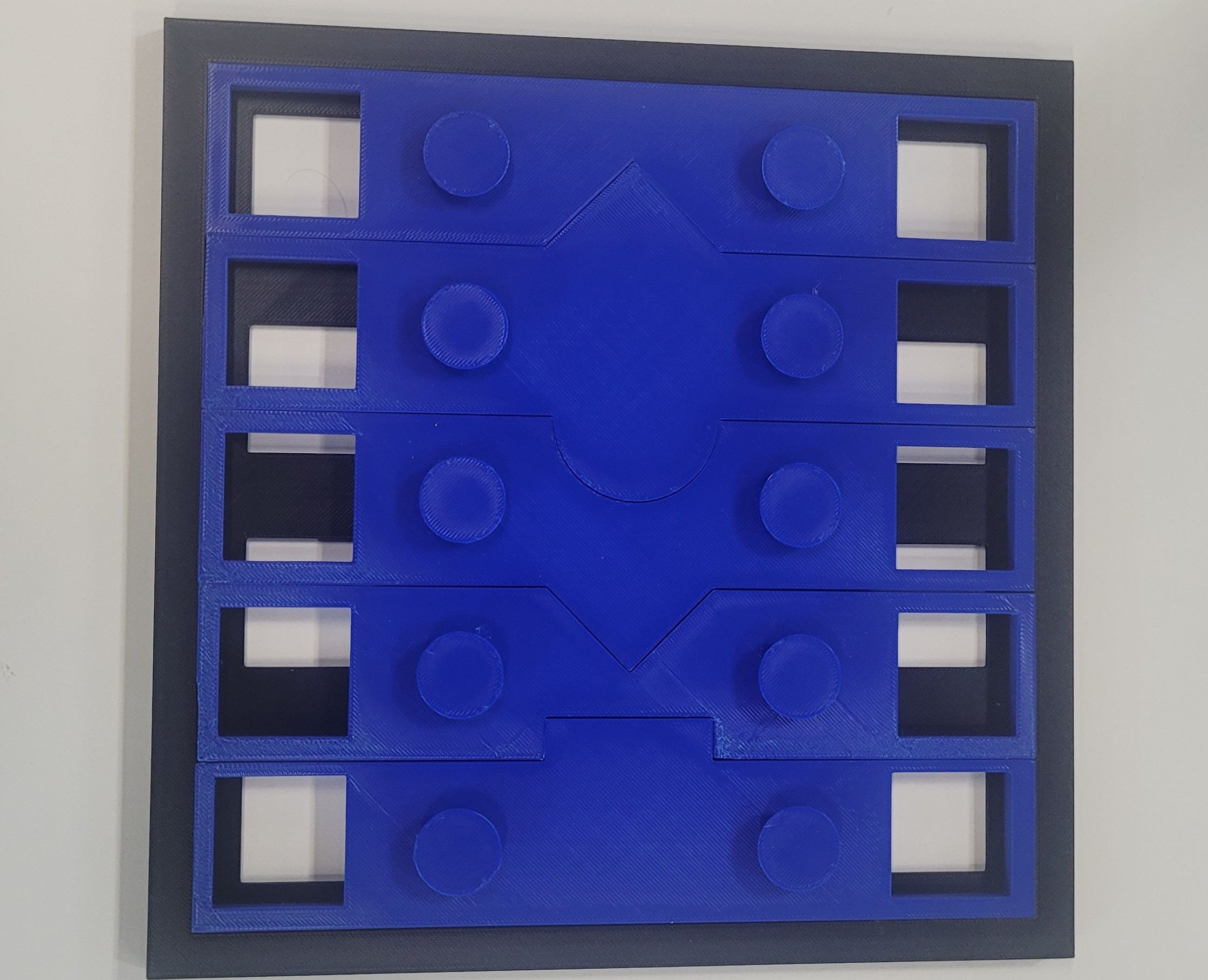
It's a pretty good looking design I think. It definitely looks and feels like a puzzle.
It was pretty simple to fix our problem and we had all the pieces fitting together but another problem is that we all had different ideas for the hole and having them all be different shapes and sizes wasn't particularly pleasing. After a quick iteration settling on the larger square hole and altering some pieces to make the width more consistent, we finally had a new prototype ready to print.
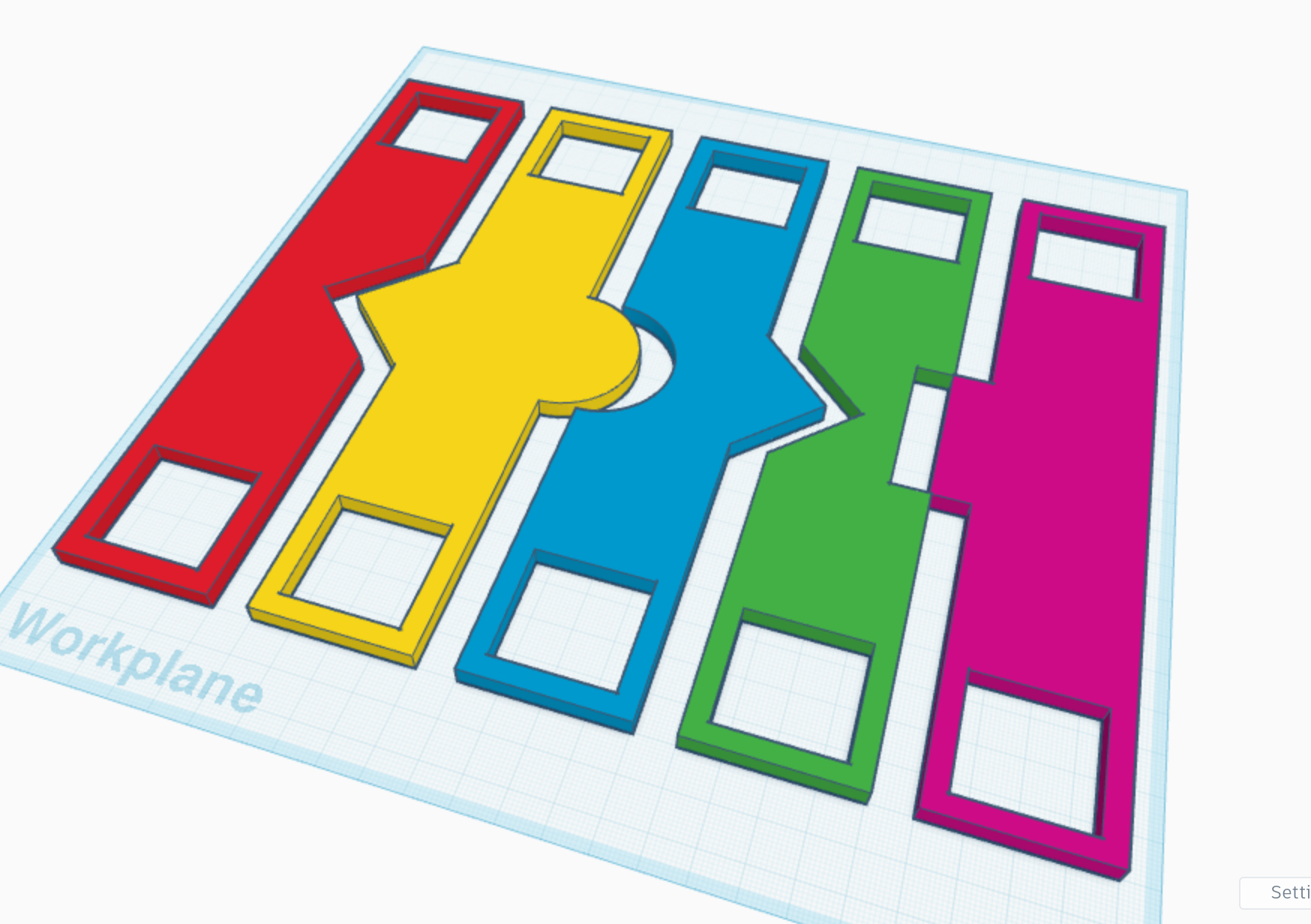
It's pretty close to perfect at this stage so we started to put the finishing touches on our design.
We decided to do a full size print and also to add holes to aid in picking the pieces up as well as saving on weight and material.
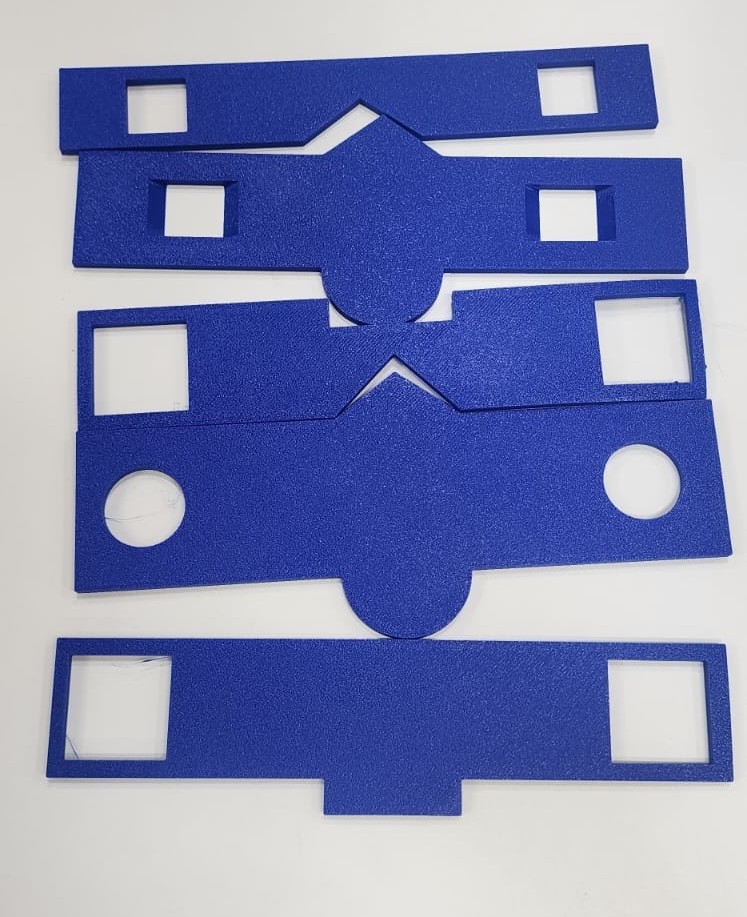
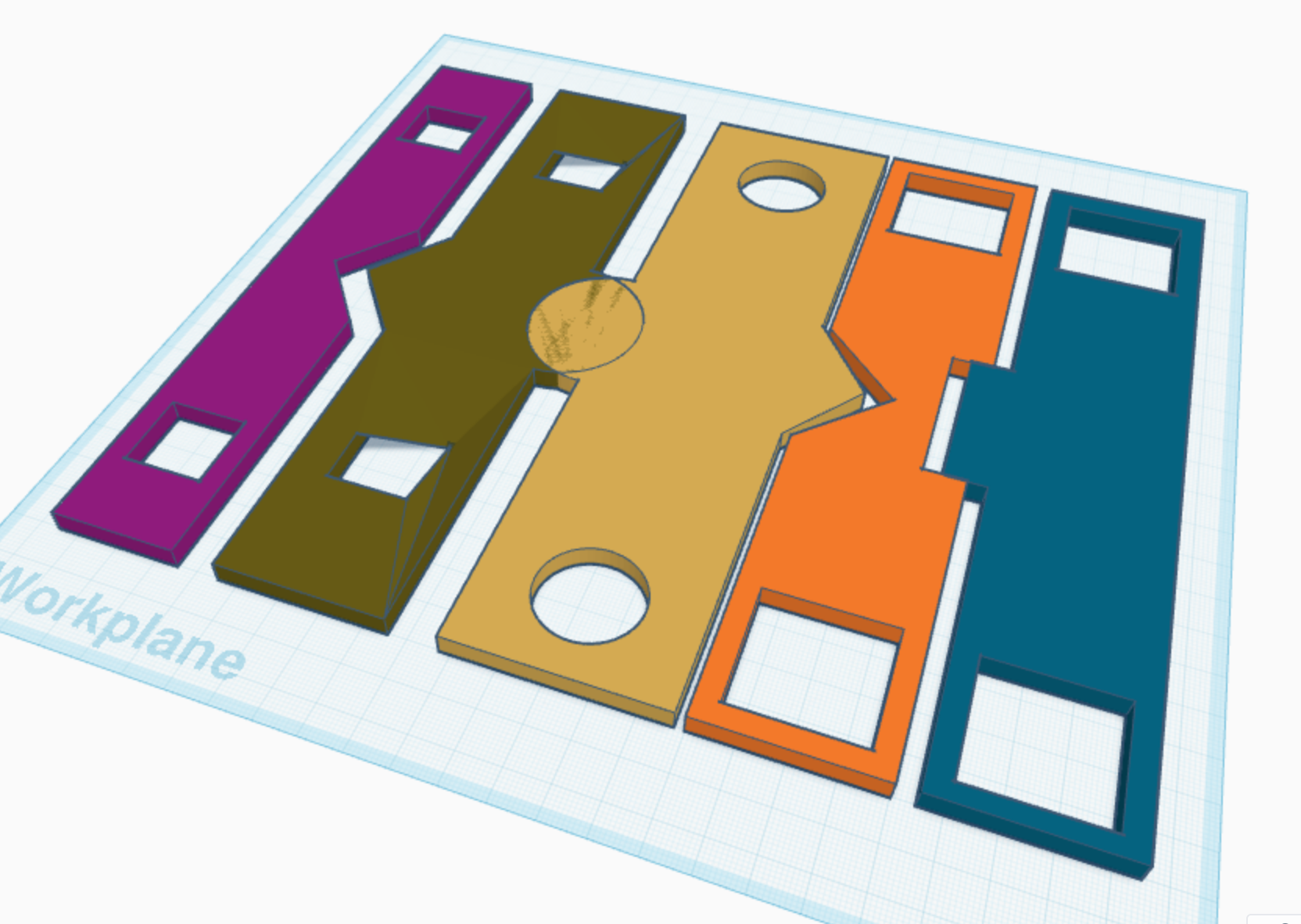
As you can see, something had gone wrong along the way. One of the pieces had been altered and it no longer fit with the others. We realised what had happened, someone had remade their piece from scratch but they had followed the design of a different piece.
I made my piece in TinkerCAD. I considered using Blender but the other members of the team were using it and it's probably better to keep the software used consistent to ensure compatibility.
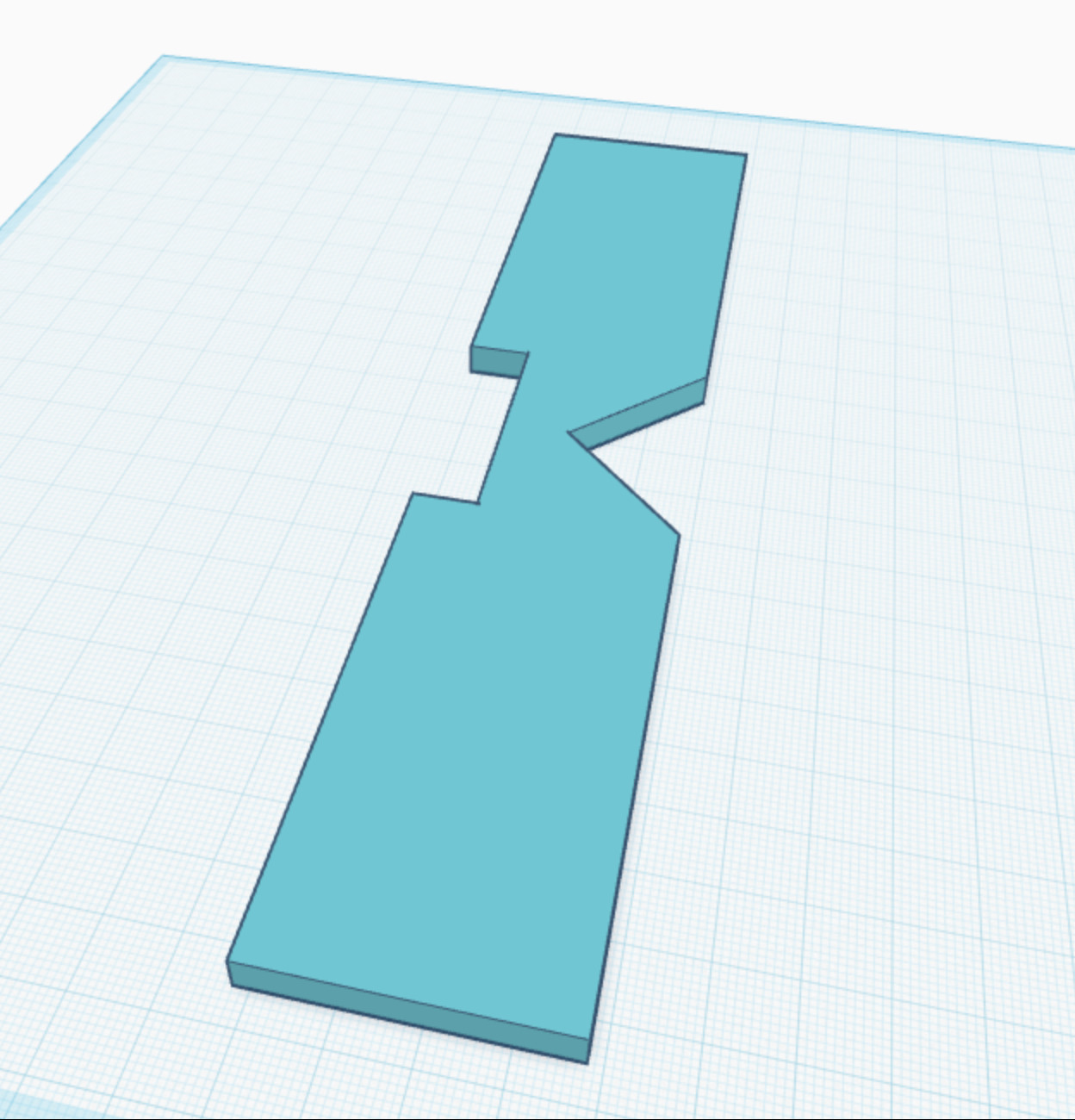
The process was pretty simple. I created a simple cuboid shape and used a second cuboid and a triangle shape to subtract from the main part. I set the dimensions and used the align tool to ensure the subtractions were centered. Once each part was completed, we put them together in TinkerCAD to see how they looked.
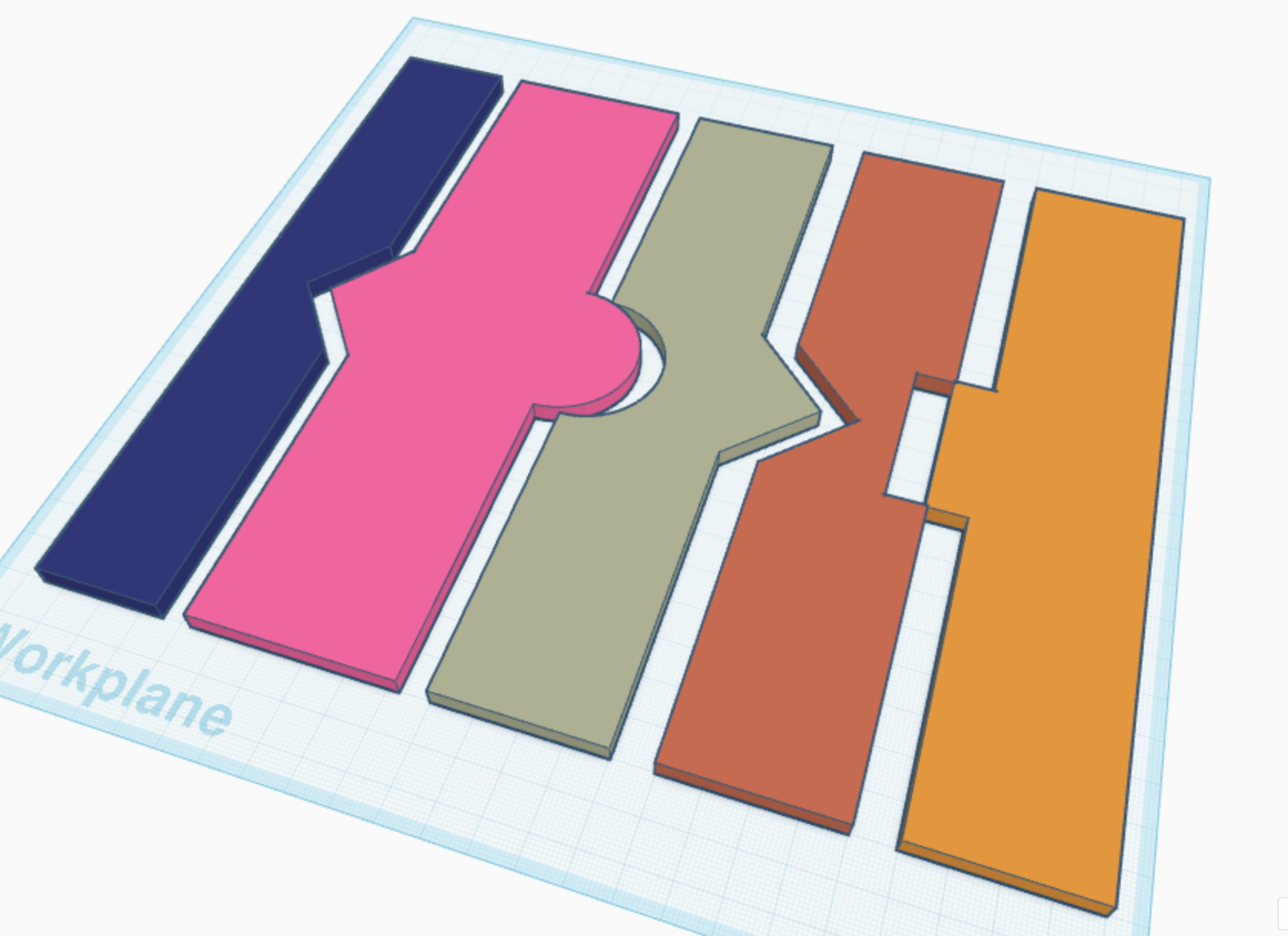
It looked fine so we did a test print on a 20% scale to reduce the time it'd take to print down to 13 minutes rather than over 2 hours. This really improved our ability to iterate by making it so we could make test prints in a matter of minutes as otherwise we'd only be able to make one a day.

It fit together pretty well but we noticed that one of the pieces was slightly off, the cutout hadn't been centered correctly so while it did fit together, part of the puzzle stuck out on one side.
For class, we've been put into groups and given a task. We have to design a puzzle of 20cm x 20cm. Each member of the team must create an individual piece of the puzzle. By the end it has to fit together perfectly meaning we'll need to communicate and co-ordinate.
The requirements were:
- Must be 3D printed
- 5mm height
- 20cm x 20cm frame
- Each piece per group member must be unique
- 130g max material usage (26g each, assumption).
- Each team member has a unique requirement for their shape
- No space/gaps around the shapes
- Pieces must be easy to put together and remove, while not falling out of the frame when it is picked up (assume frame has no backing)
- Pieces can have holes inside the shapes (can assist with assembling and removing)
- Able to add a 'peg' or 'handle' to help pick up and put down the shapes in our puzzle
- Must fit neatly into a shipping box. The dimensions of the shipping box is 20.2cm x 20.2cm (2mm to assure it is not too tight) and 12mm tall, to fit up to 10mm puzzle and 2mm for instructions.
And each member of the team had individual requirments:
- The piece must have a triangle integrated into it
- Must include an angle that isn't 90 degrees
- The piece must have at least 3 changes in direction along one edge
- The piece must have one edge longer than 8 cm and one edge shorter than 4
cm
- The piece must include at least one smooth, curved edge
My first idea was something along the lines of this:

It was simple to design in Blender but we realised as a group that it would be quite hard to co-ordinate the design of it. If all of us have to make a piece, ensuring that they all fit together with such odd shapes would be difficult. Instead we came up with a simpler design that would be easier for us to co-ordinate. We decided to start drawing out designs and seeing what would work.
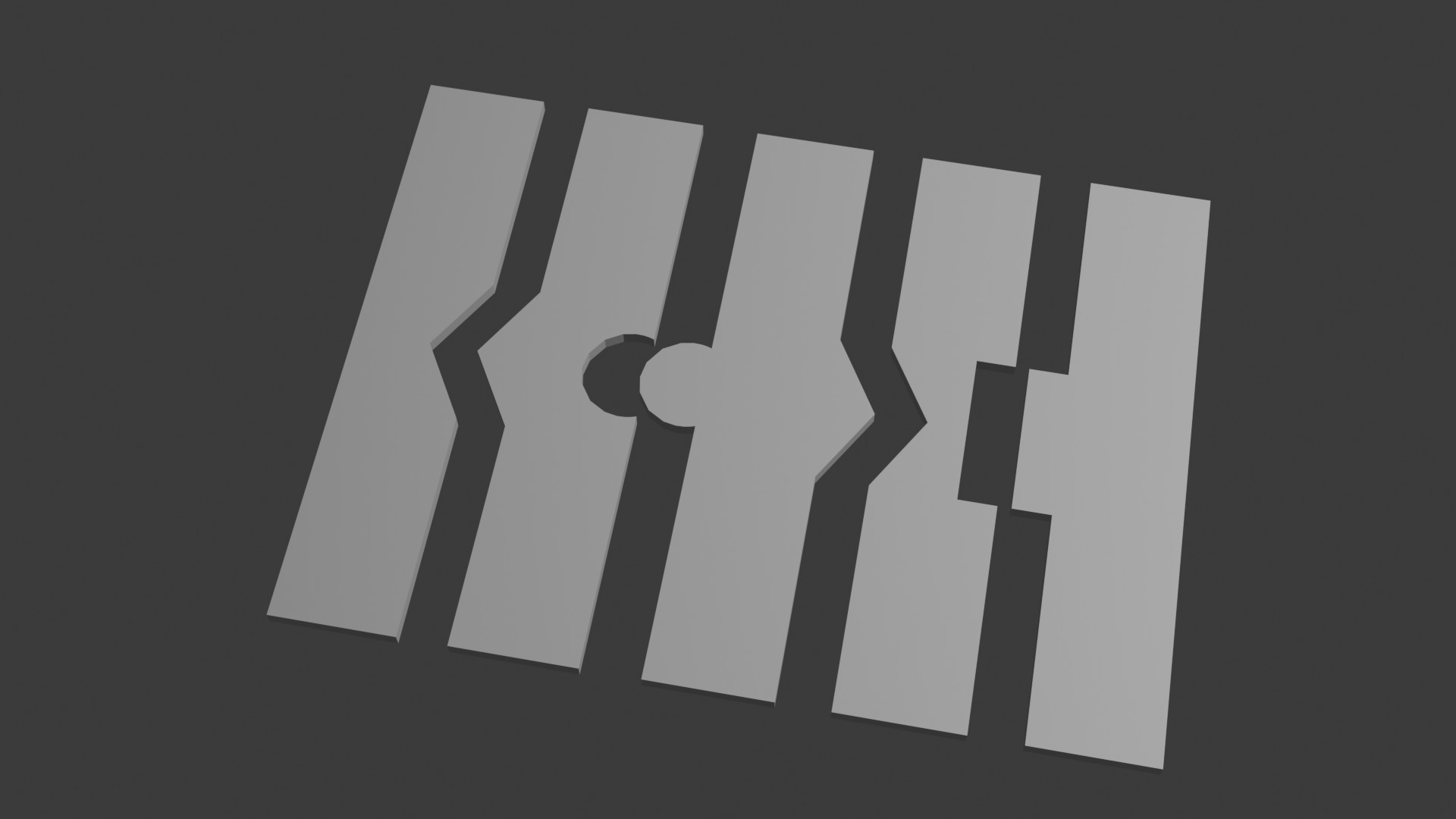
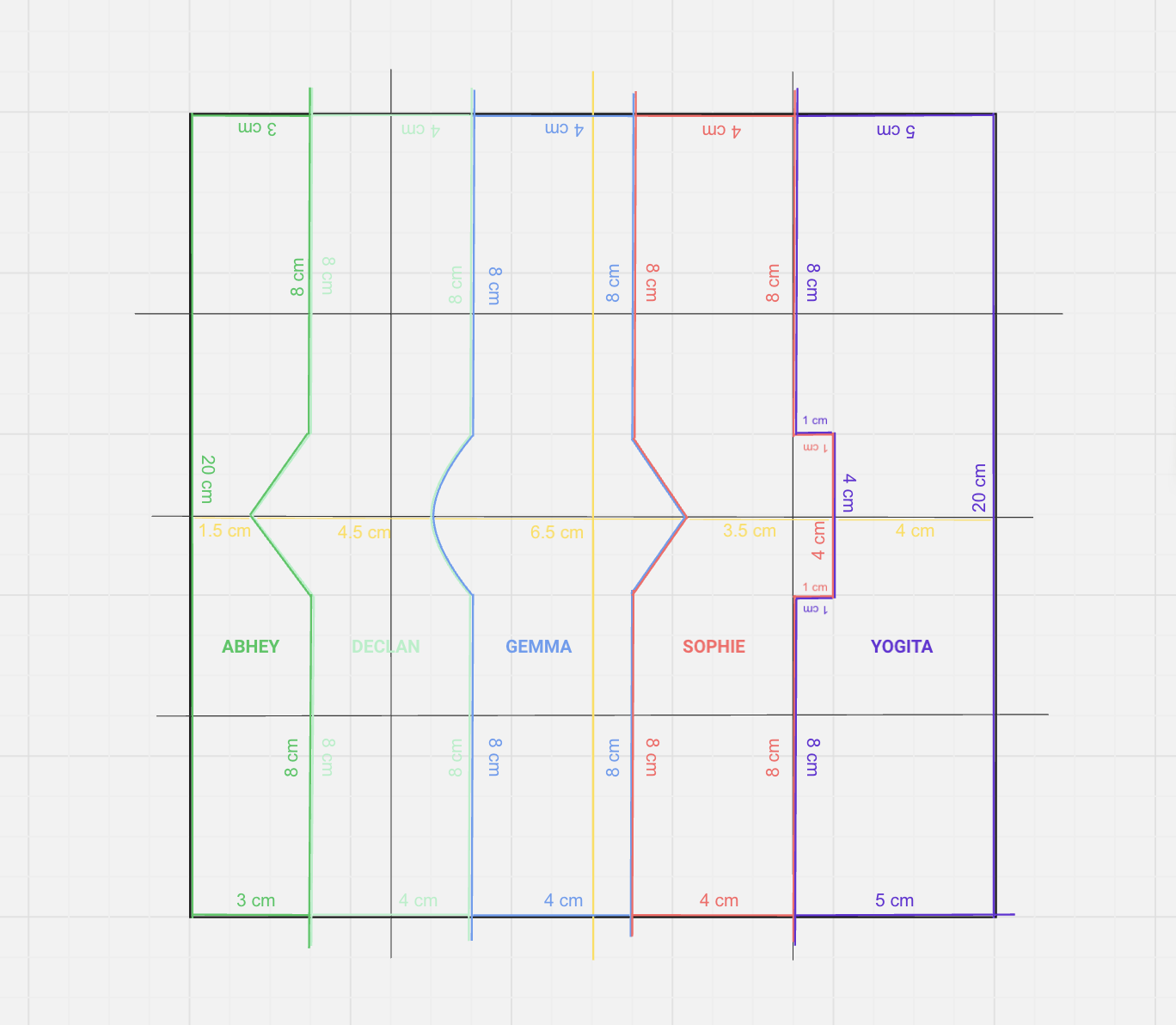
A much simpler design with specific measurements. Each piece is a simple rectangle with shapes added on and subtracted, the interlocking parts placed directly in the centre. It should prevent issues down the line by ensuring we have a standard template for each member to work off of. We moved to a Miro board to better co-ordinate.